Social links on confirmations, smarter portal reports, and invite fixes
New
Organisations can now add social media links (Instagram, X, TikTok, Facebook, and website) in their settings; these appear automatically on booking confirmation pages so guests can follow along after their visit.
More credit pack sizes — 100, 250, 500, 1,000, and 2,500 credits — are now available to purchase.
Improved
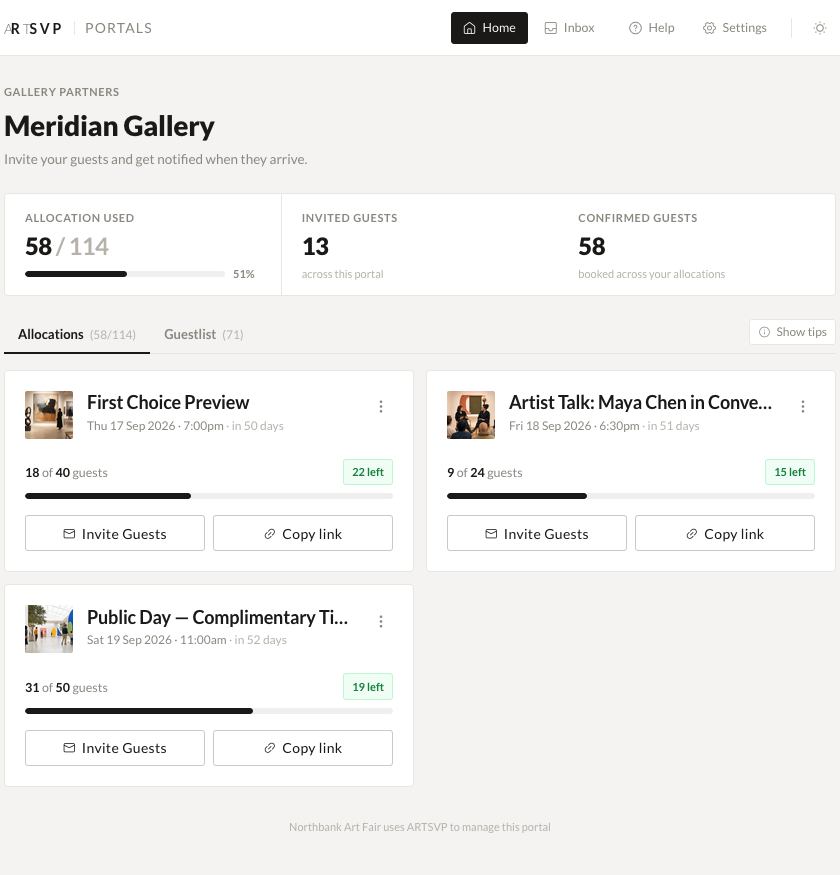
Portal group CSV exports now include link conversion percentages and allocation totals, making it straightforward to see how booking links are performing across exhibitors.
Product prices and descriptions on booking forms now follow your organisation's custom brand colours instead of always appearing in grey.
The billing page no longer lists void invoices, keeping billing history cleaner.
Fixed
Fixed an issue where an invite could be declined after a booking had already been made, leaving the invite and booking in conflicting states.
Fixed an issue where unchecking individual invites after "Select All" didn't update the selected count, so bulk actions would apply to the full list.
Fixed an issue where Apple Wallet membership card passes could fail to generate for returning passholders.
Fixed an issue where organisations switching to an annual plan had their next monthly credit refresh incorrectly set to the end of their billing year rather than one month out.
Fixed an issue where the billing page would fail to load for some accounts.
Fixed an issue where scanner codes could fail to sync under concurrent load, temporarily affecting door check-in.
Fixed an issue where searching bookings by date range for a space could return an error.
Smarter booking forms, better invite tracking, and billing fixes
New
Custom fields on booking forms can now include a description that appears beneath the field label, giving guests helpful context when filling in their details.
Improved
Portal CSV exports now include invite utilisation percentages, showing how much of each exhibitor's invite allocation has been sent and how much has been redeemed.
Fixed
Fixed an issue where organisations on a legacy plan could not access the Collections area and were shown a 404 error.
Fixed a bug where entering guest details at booking time did not correctly count those guests against the allocation.
Fixed the billing page displaying subscription prices in the wrong currency.
Fixed discount coupon codes that were not being applied correctly.
Cleaner guest access, better passes, and fewer booking headaches
Improved
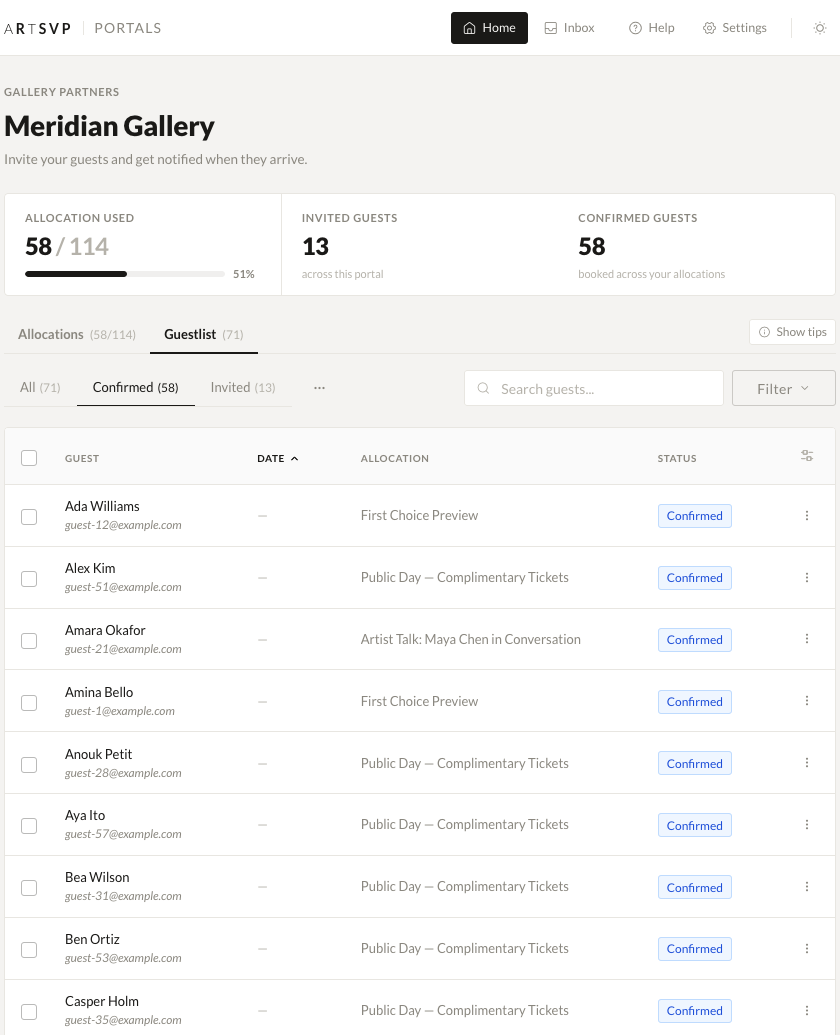
Exhibitors and event-level team members now only see the bookings, guest lists, and upcoming events that are relevant to their own event, instead of wider collection data.
Booking confirmation emails now display banner images properly on iPhone Apple Mail, so client comms look more polished on mobile.
Wallet passes now show the correct single entry time when a timed ticket has a specific entry slot.
Archived bookings are now kept out of the main all-bookings view, making it easier to focus on current activity.
Pass fields now strip unwanted formatting tags before appearing in wallet passes, giving guests a cleaner Apple Wallet and Google Wallet experience.
Fixed
Fixed an issue that could make invite CSV uploads fail during busy imports.
Fixed a crash on the event custom fields page caused by broken legacy field links.
Fixed a guest list error that could happen when someone reached a space view without the right account context.
Fixed a dashboard issue where event-level users could see bookings and events outside their scope.
Entry Times for Tickets, Faster Event Pages & Sales Report Fixes
New
Entry Times for Tickets — You can now set a specific entry time on individual ticket types. Guests will see their allocated entry time on their booking confirmation. Ideal for fairs and events with staggered arrival slots.
Custom Fields Editing — Admins can now edit, rename, reorder and delete custom fields directly from the event custom fields page. Fields can be dragged into the order you want them to appear on booking forms.
Improved
Event pages load faster — Reduced the number of database queries when displaying events with multiple ticket types, resulting in noticeably faster load times for complex events.
Booking link conflicts resolved — Fixed an edge case where events and collections sharing a URL slug could send guests to the wrong place. Links now resolve correctly in all cases.
Register Interest — clearer messaging — When a "Register Interest" event has already passed, guests now see a message that reflects this rather than the standard interest form copy.
Fixed
Sales report fee totals corrected — The sales report was over-counting the ARTSVP fee for bookings with multiple ticket types (e.g. showing 10% instead of 5%). This has been corrected and reports now reflect accurate fee amounts.
Sales report product grouping fixed — Products with the same name were being merged into a single line in the sales report. Each product line item now appears separately as expected.
Ticket entry time display fixed — Entry times were displaying as a date range instead of a single time. This is now shown correctly.
Wallet Pass Designer, Faster Imports & Guest List Fixes
New
Wallet pass template designer — Upload custom images for Apple Wallet and Google Wallet passes with size guides and layout previews, so your passes match your brand perfectly
Guest email and booking tags in downloads — Check-in data and attendance report exports now include guest email addresses and booking tags for easier follow-up
Improved
Faster CSV imports with live progress — Bulk imports for bookings, invites, contacts, and portal invites are now significantly faster, with a real-time progress bar so you can see exactly where things stand
Google sign-in for membership invites — People accepting a membership invite can now sign in with Google, and password requirements are clearly shown during account creation
Fixed
Duplicating an event now carries over all your custom fields
Guest list no longer shows pending or incomplete bookings
Booking link conflicts between events and collections are now resolved consistently
Event team members can download booking data without access errors
Portal sign-up no longer redirects to a missing page after creating an account
Webhook delivery is more reliable under high volume
Custom branded tickets — Organisations can now customise ticket colours to match their event or company branding, replacing the default black-and-white design
Wallet pass templates — Create and manage Apple Wallet and Google Wallet pass templates with custom colours, titles, and images through a dedicated settings page
What's New widget — A lightweight in-app changelog now shows a badge when new updates are available, so you'll always know what's changed
Improved
Guest List navigation — Guest List now appears more prominently in your space navigation, making it quicker to find
Art Week Guide — The ARTSVP Collective section has been renamed to Art Week Guide
Add to Outlook Calendar — Calendar links in booking confirmation emails now work correctly on both mobile and desktop Outlook
Send Booking Details — The send button is now disabled until a valid email address is entered, preventing failed sends
Fixed
Fixed an issue where new users accepting a membership invite could be incorrectly redirected to onboarding instead of joining the organisation
Fixed a page error that could occur when visiting a mismatched subdomain URL (e.g. accessing one organisation's page on another's subdomain)
Fixed a login error that could appear when returning to two-factor authentication after a session timeout
Fixed an intermittent error on the Guest List page for bookings without an associated event
Improved stability when guests update their details on the booking page
Fixed an access issue with terminal settings for logged-out visitors
Guest Lists, Facebook Pixel & Scanner Upgrades
Here's what's new and improved this week!
New
Guest list view now available for all art fair organisations — You can now access the full guest list view directly from your dashboard, making it easier to manage attendees across your events.
Facebook Pixel tracking for all organisations — You can now connect your Facebook Pixel directly from your account settings to track conversions and retarget visitors — no need to request activation.
Hybrid validation mode for scanners — When setting up scanners, you can now choose a hybrid validation type that combines online and offline checking for more flexible entry management.
Improved
Cleaner booking forms — Removed the register-interest notice box from booking forms for a simpler, less cluttered experience for your guests.
Fixed
Wallet passes now fail gracefully — If there's a temporary issue generating a wallet pass (Apple Wallet, Google Wallet), you'll see a helpful message instead of an error page.
Portal invite pagination fixed — Resolved an issue where the invites page on portals could error when there were no invitations to display.
Complimentary bookings now process correctly at terminals — Fixed an issue where zero-cost bookings (e.g. fully comped tickets) could cause an error during terminal checkout.
Custom Reminders and API Upgrades
Here's what's new and improved this week!
New
Custom reminder times for event emails — You can now set a specific date and time for when reminder emails go out, instead of being limited to preset options. Pick the exact moment that works best for your event.
Slot availability in the API — The event API now returns real-time availability for each time slot, including available and total capacity — perfect for integrations that need to show live availability.
Improved
Cleaner default ticket naming — New events now default to a ticket named "Standard" while still showing "Number of People" on the booking form, keeping things tidy on your end.
Fixed
Transactions page no longer errors on missing dates — Fixed an issue where the transactions page could crash if a payment hadn't fully processed yet.
Scanner code syncing is now more reliable — Resolved a rare issue where scanner codes could fail to sync if a guest was removed at just the wrong moment.
Invitation email images now load reliably — Images in custom invite emails are now served from our own infrastructure for better reliability.
Improved scanner guest list handling — Fixed an edge case that could cause errors when loading guest lists for scanners with no events assigned.
Geolocation Based Passes & Other Improvements
New
Location Based Pass Surfacing — Passes generated will now surface intelligently when you are approaching the event venue. This feature is enabled automatically for Apple devices, and needs to be enabled for Android devices through the Google Wallet application.
Improved
Booking confirmation emails now display all qr codes associated to the booking, make it easier than ever to locate your party's tickets at the door.
Fixed
Added additional clarification to the invite send window notifying what event or collection the invite is being sent for, of if it's being sent for multiple.
The event header on the application side now displays the correct date, accounting for timezone.
Contact search improved through organisation scoping.
Date picker removed from bookings page for multi slot events
Search Acceleration, Portal Group Archiving & Smarter Invite Sends
This release focuses on faster global search, cleaner sign-in flow persistence, better organization with portal group archiving, and standardized invite emails across the app.
New
Portal Group Archiving
You can now keep your portal groups tidy by archiving anything that’s no longer active. We added a redesigned index with tabs that let you flip between Active and Archived views. From the index, you can quickly archive or unarchive groups using a new toggle, and the updated UI makes filtering and scanning large lists much easier. The feature ships with comprehensive tests to ensure reliability.
Standardized Invite Email Templates
Invite email customization is now consistent across Collections, Events, and Portals. Collections get a default invite template field on the Edit page, and singular invites automatically pull the right copy from sensible defaults when a custom text isn’t present.
Persistent “Remember me” for Authentication
Signing in is smoother thanks to this change by default across all sign-in routes. Your preference now persists through Google OAuth and OTP verification, reducing unnecessary re-auth prompts while keeping the flow secure and convenient.
Improved
Global Search Speed has increased dramatically through index tweaks
Contact search sanitisation has improved significantly